|
| |
| |
Instructions
| 1. |
From the
Home Page, Click on Comments. |
| 2. |
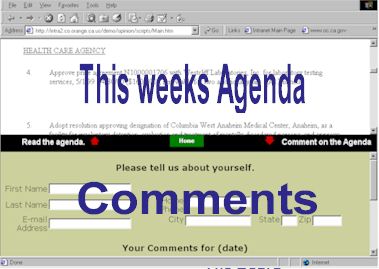
The top
window displays this weeks agenda. |
| 3. |
Use the
scroll bar to the right to find the agenda item you would like to comment on. |
| 4. |
Fill out
the Comments form. Be sure to include all information. |
| 5. |
Click on
the submit button. |
| 6. |
Your
comments will be transmitted to all Board offices and will become a part of the official
record" |
|
|
|
|

